Key Takeaways
- Both free and paid courses offer excellent paths to learning WordPress.
- Start with official resources like Learn.WordPress.org for a solid, free foundation.
- For aspiring developers, focus on courses that teach PHP, HTML, and CSS fundamentals.
- Specialized courses, like SEO or WooCommerce training, are crucial for business success.
- Choose a course based on your learning style: video-based, interactive coding, or project-focused.
Table of Contents
- Why Take a WordPress Course?
- 1. The Complete WordPress Website Business Course (Udemy)
- 2. Learn WordPress (Official WordPress.org)
- 3. WP101 WordPress Training Videos
- 4. Web Design for Everybody: Basics of Web Development (Coursera)
- 5. Become a WordPress Developer: Unlocking Power With Code (Udemy)
- 6. Yoast SEO Academy
- 7. LinkedIn Learning WordPress Essential Training
- 8. Convert Woo’s Specialized Mini-Courses
- 9. Skillshare: WordPress for Beginners
- 10. Codecademy: Learn WordPress
- Conclusion: Your WordPress Learning Journey Starts Now
- Frequently Asked Questions
Why Take a WordPress Course?
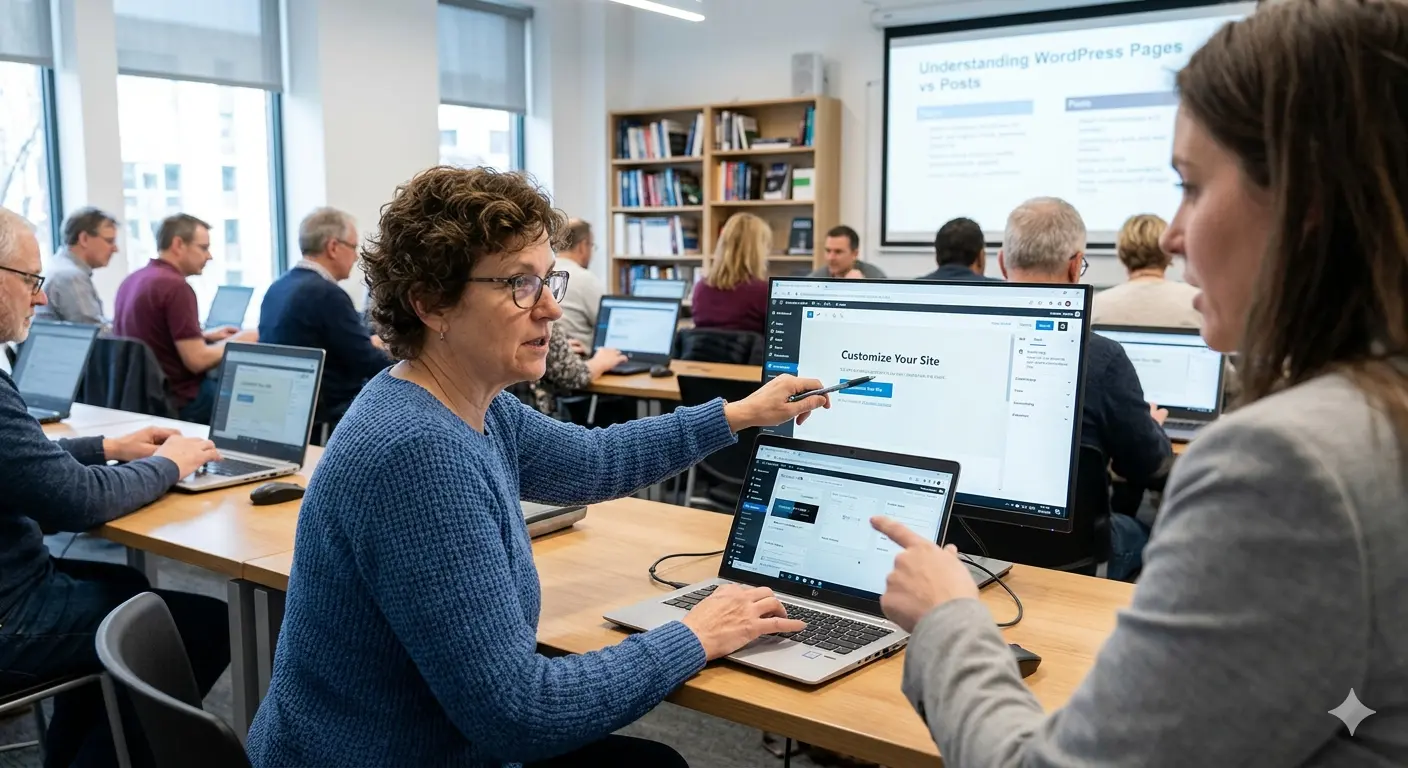
WordPress continues to dominate the web, powering over 43% of all websites. This incredible market share means the demand for skilled users, designers, and developers is higher than ever. While you can learn through trial and error, the best WordPress courses provide a structured path to mastery, saving you time and preventing common mistakes. A good course can take you from a complete novice to a confident site builder capable of launching a blog, a business website, or even a full-fledged eCommerce store.
Investing in your education is crucial, but it’s important to know which platform is right for you before you start. While WordPress offers unparalleled flexibility, you might want to understand the landscape by comparing GoDaddy vs WordPress for simple sites. For those focused on selling online, understanding the nuances of Shopify vs WooCommerce is also a critical first step. This guide will walk you through the top courses available in 2026 to help you achieve your goals.
1. The Complete WordPress Website Business Course (Udemy)
Udemy is a massive marketplace for online courses, and this one consistently ranks as a bestseller for a reason. Taught by an experienced instructor, it covers everything from the absolute basics of setting up a domain and hosting to advanced topics like SEO, security, and site speed optimization. It’s project-based, meaning you’ll build several different types of websites as you progress through the lessons.
This course is ideal for beginners who want a comprehensive, all-in-one package. It not only teaches you the ‘how’ but also the ‘why’ behind building a successful website, touching on business strategies and monetization. While Udemy courses are often listed at a high price, they frequently go on deep discount, making this an incredible value purchase.

2. Learn WordPress (Official WordPress.org)
What better place to learn WordPress than from the source itself? The official Learn WordPress platform is a completely free resource packed with tutorials, lesson plans, and online workshops. Maintained by the WordPress community, the content is always up-to-date, accurate, and aligned with best practices. It covers a wide range of topics, from simple content creation with the Block Editor to complex theme development.
This is the perfect starting point for anyone on a budget or those who prefer to learn directly from the creators. The self-paced tutorials are great for foundational knowledge, and the live workshops provide an opportunity to learn from experts in real-time. If you’re just getting started, our own step-by-step beginner roadmap complements these official resources perfectly.
3. WP101 WordPress Training Videos
WP101 has been a trusted name in WordPress education for over a decade. They specialize in creating easy-to-follow, high-quality video tutorials that are perfect for visual learners. Their courses are meticulously updated with every new version of WordPress, so you’re never learning from outdated information. They offer a beginner’s course for free, with more advanced topics available under a paid subscription.
The key differentiator for WP101 is their clarity and focus on the non-developer. They avoid technical jargon and make complex topics accessible. Their subscription also includes courses on popular plugins like WooCommerce and Yoast SEO, making it a valuable resource for anyone serious about building and managing a professional WordPress site.
4. Web Design for Everybody: Basics of Web Development (Coursera)
Hosted on Coursera and offered by the University of Michigan, this specialization is less of a pure WordPress course and more of a foundational web development program. It covers HTML5, CSS3, and JavaScript before diving into responsive design and web accessibility. Why is it on this list? Because a solid understanding of these core technologies will make you an exponentially more powerful WordPress user.
This course is for the aspiring professional who wants to go beyond just using themes and plugins. If you want to customize your site, troubleshoot issues effectively, or eventually build your own themes, this is an invaluable starting point. After completing this, you’ll find that WordPress makes much more sense on a technical level.
5. Become a WordPress Developer: Unlocking Power With Code (Udemy)
For those who want to transition from WordPress user to WordPress developer, this course is a fantastic choice. It goes deep into the core of WordPress, teaching you PHP, the WordPress Loop, theme hierarchy, and plugin development. You’ll learn how to create custom post types, work with the WordPress REST API, and build fully custom themes from scratch.
This is not for beginners. It’s designed for users who are already comfortable with the WordPress dashboard and have some familiarity with HTML and CSS. Completing a course like this opens up career opportunities in freelance development or working for a WordPress agency. The skills you learn here are what truly prove that WordPress is still worth it in 2026 as a professional platform.
6. Yoast SEO Academy
A beautiful, functional website is useless if no one can find it. Yoast SEO is the most popular SEO plugin for WordPress, and their academy offers a wealth of knowledge on search engine optimization. While some content is free, their premium courses provide in-depth training on everything from keyword research and on-page SEO to technical SEO and content strategy.
This is a must-have for business owners, marketers, and bloggers. Learning SEO directly from the creators of the most-used SEO tool ensures you’re getting practical, actionable advice that you can implement directly on your site. This specialized knowledge is what separates successful websites from the ones that get lost in the noise.
7. LinkedIn Learning WordPress Essential Training
Formerly Lynda.com, LinkedIn Learning has a massive library of professional courses, including a regularly updated WordPress Essential Training series. This course is excellent for professionals who want to add WordPress skills to their resume. The content is well-structured, professionally produced, and covers all the core competencies you need to manage a WordPress site effectively.
A LinkedIn Learning subscription provides access to thousands of courses, so you can supplement your WordPress training with courses on graphic design, digital marketing, or content writing. It’s a great-value option for the lifelong learner.
8. Convert Woo’s Specialized Mini-Courses
While larger platforms offer broad overviews, we at Convert Woo focus on a critical niche: optimizing WooCommerce for maximum conversions. Our Classes are designed for store owners who have the basics down but want to turn their website into a sales machine. We cover topics like conversion rate optimization (CRO), custom product page design, and streamlining the checkout process.
If your goal is to build an online store, general WordPress knowledge is just the start. Our mini-courses provide the targeted, actionable strategies you need to succeed in the competitive eCommerce landscape. After all, when you’re deciding between WooCommerce vs Shopify vs Wix, choosing the platform is only half the battle; knowing how to use it effectively is what generates revenue.
9. Skillshare: WordPress for Beginners
Skillshare’s model is built around shorter, project-based classes. Their “WordPress for Beginners” courses are great for creative professionals who want to build a portfolio or blog quickly. The platform’s strength is its community and project-focused approach, where you can share your work and get feedback from peers and the instructor.
This is a great option for those who feel overwhelmed by 40+ hour courses and prefer to learn by doing in smaller, digestible chunks. The subscription model gives you access to the entire library, so you can easily explore different topics as your interests evolve.
10. Codecademy: Learn WordPress
Codecademy is famous for its interactive, hands-on learning environment. Their “Learn WordPress” course guides you through creating themes and plugins directly in your browser. This interactive approach helps solidify coding concepts by having you write code and see the results immediately. It focuses on the development side, teaching you the PHP and WordPress-specific functions needed to build custom solutions.
This path is best suited for those who already have a grasp of HTML/CSS and want to learn WordPress development in a structured, interactive way. It’s an engaging alternative to passively watching video tutorials.
Conclusion: Your WordPress Learning Journey Starts Now
Whether you want to build a simple blog, a corporate website, or a powerful online store, there is a WordPress course perfectly suited to your needs and budget. From free, community-driven resources like Learn WordPress to comprehensive developer training on Udemy and Codecademy, the path to mastery is clear. The key is to define your goals, choose a course that aligns with them, and commit to consistent learning. The skills you gain will be a valuable asset for years to come.
Frequently Asked Questions
Can I learn WordPress completely for free?
Yes, absolutely. Between the official Learn WordPress platform, countless YouTube tutorials, and blogs, you can learn everything you need to build and manage a WordPress site without spending any money. Paid courses often offer more structure, support, and a more direct learning path.
How long does it take to learn WordPress?
You can learn the basics of using the dashboard, creating pages, and writing posts in just a few hours. Becoming proficient enough to build and customize a full site can take a few weeks of consistent learning. Mastering WordPress development (PHP, theme, and plugin creation) is an ongoing process that can take many months or years.
Do I need to know how to code to use WordPress?
No, you do not need to know code to use WordPress. Thanks to the Block Editor, themes, and plugins, you can create a fully functional and beautiful website without writing a single line of code. However, learning some basic HTML and CSS can be extremely helpful for making small customizations.
Is a WordPress course certificate useful?
While a certificate can be a nice addition to a resume or LinkedIn profile, your portfolio of completed websites is far more valuable to potential employers or clients. The primary benefit of a course is the skill and knowledge you acquire, not the certificate itself.