Key Takeaways
- GoDaddy is best for absolute beginners needing a simple site online quickly.
- WordPress offers superior long-term flexibility, customization, and scalability.
- For serious SEO, WordPress is the clear winner due to powerful plugins.
- Migrating from GoDaddy’s builder to WordPress requires a complete site rebuild.
- WordPress provides full ownership of your data, avoiding vendor lock-in.
Table of Contents
- Quick Comparison: GoDaddy vs WordPress at a Glance
- What is GoDaddy Website Builder?
- What is WordPress?
- Head-to-Head Feature Comparison
- Who Should Choose GoDaddy?
- Who Should Choose WordPress?
- The Verdict: Our Recommendation
- Frequently Asked Questions
Choosing the right platform to build your website is one of the most critical decisions for any online venture. In the vast landscape of website builders, two names consistently come up: GoDaddy and WordPress. The GoDaddy vs WordPress debate often boils down to a choice between simplicity and flexibility. GoDaddy offers an all-in-one, user-friendly solution designed for quick setup, while WordPress provides unparalleled power and customization for those willing to navigate a steeper learning curve. This guide will break down their features, pros, cons, and ideal use cases to help you make an informed decision for your project.

Quick Comparison: GoDaddy vs WordPress at a Glance
Before we dive deep, here’s a high-level look at how these two platforms stack up against each other.
| Feature | GoDaddy Website Builder | WordPress.org |
|---|---|---|
| Ease of Use | Extremely beginner-friendly with a simple drag-and-drop editor. | Moderate learning curve. Requires setup of hosting and themes. |
| Customization | Limited. Based on pre-set templates and sections. | Virtually limitless with thousands of themes and plugins. |
| eCommerce | Built-in eCommerce on higher-tier plans. Good for simple stores. | Extremely powerful through plugins like WooCommerce. Highly scalable. |
| SEO | Basic, built-in SEO tools. Good for local SEO. | Excellent. Advanced control with plugins like Yoast SEO or Rank Math. |
| Pricing | All-in-one monthly subscription ($10 – $25/mo). | Software is free. Costs for hosting, domain, and premium add-ons vary. |
| Ownership | You are renting the platform. Difficult to move your site elsewhere. | You own your website and all its data. Full control and portability. |
What is GoDaddy Website Builder?
GoDaddy is primarily known as a domain registrar and web hosting company, but they also offer an all-in-one website builder. This tool is designed for absolute beginners who want to get a simple, professional-looking website online as quickly as possible without touching a line of code. It’s a closed ecosystem: hosting, the domain (often included for the first year), templates, and support are all handled by GoDaddy.

Pros of GoDaddy
- Incredibly Easy to Use: The interface is intuitive, with guided prompts and a simple section-based editor. You can build a site in under an hour.
- All-in-One Solution: Hosting, domain name, SSL certificate, and website editor are all bundled together. No need to manage separate services.
- Fast Setup Time: GoDaddy’s ADI (Artificial Design Intelligence) can generate a starter site for you based on a few questions about your industry.
- Built-in Marketing Tools: Includes features for email marketing, social media posting, and basic SEO.
Cons of GoDaddy
- Limited Customization: You are restricted to the templates and features GoDaddy provides. There’s little room for unique design or advanced functionality.
- Poor Scalability: As your business grows, you may find the platform’s limitations restrictive. It’s not built for complex websites or large-scale eCommerce.
- Vendor Lock-in: It is extremely difficult to move your website from GoDaddy’s builder to another platform like WordPress. You essentially have to rebuild it from scratch.
What is WordPress?
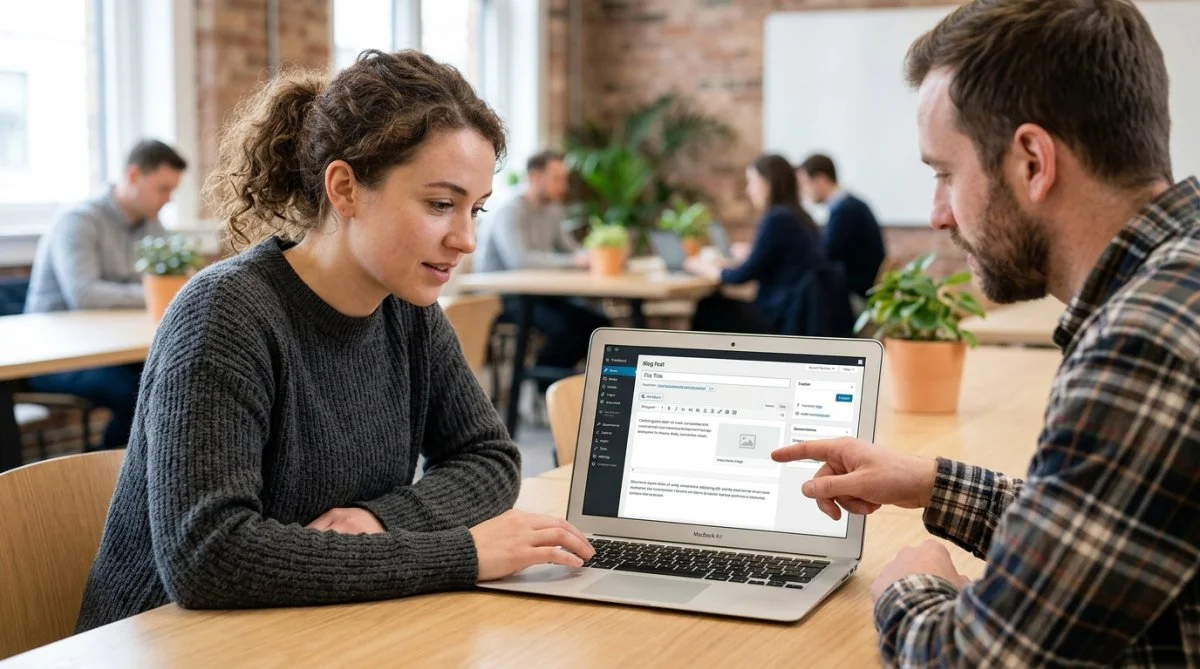
When we talk about WordPress, we’re referring to WordPress.org, the open-source, self-hosted Content Management System (CMS). This is the software that powers over 43% of the entire internet. Unlike GoDaddy, WordPress is not an all-in-one service. It’s a powerful framework that you install on your own web hosting account. This gives you complete freedom and control over every aspect of your site. As we explored in our analysis, people often ask, is WordPress still worth it in 2026? For those seeking control and scalability, the answer is a resounding yes.

Pros of WordPress
- Unmatched Flexibility: With over 59,000 plugins and thousands of themes, you can build literally any type of website—from a simple blog to a complex social network or a massive online store.
- Full Ownership and Control: You own 100% of your website data. You can move it to any web host at any time.
- Powerful SEO: WordPress is built with SEO in mind, and plugins like Yoast SEO give you granular control to optimize your content for search engines.
- Scalable for Growth: WordPress can grow with your business, handling everything from a few visitors to millions per month.
- Large Community Support: A massive global community means endless tutorials, forums, and developers are available to help.
Cons of WordPress
- Steeper Learning Curve: You are responsible for finding hosting, installing WordPress, and learning the dashboard. This can be intimidating for beginners, though our classes can help flatten that curve.
- Maintenance and Security: You are responsible for updating your themes, plugins, and WordPress core, as well as implementing security measures.
- Hidden Costs: While the software is free, you must pay for a domain, hosting, and potentially premium themes or plugins.
Head-to-Head Feature Comparison
Ease of Use & Learning Curve
Winner: GoDaddy
There’s no contest here. GoDaddy’s builder is designed for pure simplicity. Its editor is more structured and less overwhelming than the WordPress dashboard. For someone who has never built a website, GoDaddy provides the path of least resistance to getting online quickly.
Design & Customization
Winner: WordPress
GoDaddy offers a selection of clean, mobile-responsive templates, but you are confined within their design framework. WordPress, on the other hand, offers true design freedom. You can choose from thousands of free and premium themes and then customize every pixel using page builders like Elementor or the native block editor. The possibilities are infinite.
SEO & Marketing Tools
Winner: WordPress
GoDaddy has a built-in SEO Wiz that covers the basics: keyword suggestions, meta descriptions, and Google indexing. It’s adequate for a small local business. However, WordPress is an SEO powerhouse. Plugins like Rank Math or Yoast SEO provide comprehensive analysis, schema markup, XML sitemaps, and advanced controls that professional marketers rely on. You have far more power to rank for competitive keywords with WordPress.
eCommerce Capabilities
Winner: WordPress
GoDaddy’s Commerce plan allows you to sell products, but it’s best for small inventories and simple needs. For serious eCommerce, WordPress combined with the WooCommerce plugin is a world-class solution. WooCommerce is a flexible, scalable platform that allows you to sell anything, anywhere. It’s a more robust option than GoDaddy and even competes with other dedicated platforms, as detailed in our WooCommerce vs Shopify vs Wix comparison.
Pricing & Ongoing Costs
Winner: It Depends
GoDaddy offers predictable, fixed monthly pricing. This can be appealing for those on a tight budget. WordPress’s costs are variable. You can start cheaply with shared hosting (around $3-$10/month), but costs can increase as you add premium plugins or upgrade hosting. In the long run, WordPress often provides better value because you’re not locked into price increases and can switch hosts for better deals.
Who Should Choose GoDaddy?
GoDaddy’s Website Builder is the ideal choice for:
- Absolute Beginners: If the thought of ‘hosting’ and ‘installs’ is terrifying, GoDaddy’s all-in-one approach is perfect.
- Small Businesses Needing a Brochure Site: For businesses like restaurants, contractors, or local services that just need a simple online presence with contact info and hours.
- Users Who Value Speed Over a Custom Solution: If your primary goal is to get a functional site online this afternoon, GoDaddy is your best bet.
Who Should Choose WordPress?
WordPress is the superior platform for:

- Bloggers and Content Creators: Its content management capabilities are second to none.
- Growing Businesses: If you anticipate needing more features, custom functionality, or a large eCommerce store in the future, start with WordPress.
- Users Who Want Full Control: For those who want to own their data and have the freedom to customize every aspect of their site.
- SEO-Focused Projects: Anyone serious about ranking in search engines will benefit from WordPress’s advanced SEO tools.
The Verdict: Our Recommendation
In the GoDaddy vs WordPress showdown, while GoDaddy excels in simplicity and speed for beginners, WordPress is the clear winner for long-term growth, flexibility, and overall power.
Think of it like this: GoDaddy is like leasing a furnished apartment. It’s quick, easy, and comes with everything you need to live, but you can’t knock down walls or change the plumbing. WordPress is like buying a plot of land. It requires more effort to build your house, but you can design it exactly how you want, add extensions later, and you own it completely.
For the vast majority of users who are building a site for a business or a serious project, the initial learning curve of WordPress is a small price to pay for the freedom, scalability, and control it provides down the line. If you have questions about getting started, feel free to contact us.
Frequently Asked Questions
1. Can I move my website from GoDaddy to WordPress?
Not directly. Because GoDaddy’s website builder is a proprietary, closed system, there is no simple export/import tool. You would need to manually copy and paste your content (text, images) and rebuild the site design from scratch on a new WordPress installation.
2. Which is cheaper, GoDaddy or WordPress?
Initially, a basic GoDaddy plan might seem cheaper than buying a year of hosting for WordPress. However, WordPress can be cheaper in the long run. The WordPress software itself is free, and you can find very affordable hosting. GoDaddy’s renewal prices can be high, and their eCommerce plans are more expensive than a basic hosting and free WooCommerce setup.
3. Is GoDaddy or WordPress better for SEO?
WordPress is significantly better for SEO. While GoDaddy provides basic tools to get you started, WordPress offers advanced control through powerful plugins like Yoast SEO or Rank Math. These tools allow for in-depth on-page optimization, schema implementation, and technical SEO adjustments that are not possible with GoDaddy’s builder.
4. Do I need to know how to code to use WordPress?
No, you do not need to know code to use WordPress. With the modern block editor (Gutenberg) and thousands of user-friendly themes and page builder plugins, you can create a beautiful, complex website using visual, drag-and-drop interfaces.